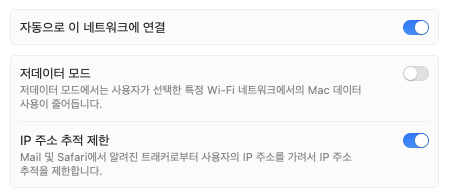
terminal에서 ifconfig 명령어로 현재 사용하고 있는 네트워크 디바이스를 찾았다. 무선랜 디바이스가 en0인걸 확인했으니... networksetup -getMTU en0 를 입력하면 Active MTU: 1436 (Current Setting: 1436) 현재 MTU 값이 나온다. 나는 이미 변경한 뒤에 확인한 바람에 1436으로 나오는데 변경하지 않았다면 1500으로 나오겠지..
그 상태에서 networksetup -setMTU en0 1436 을 입력해서 MTU를 변경해주니 무선랜 재시작 후에도 변경한 MTU 값으로 유지되는 걸로 보인다.
IDC 들어가기 귀찮아서 투덜투덜했는데 반년 동안 깊은 빡침을 참아가던 이슈가 이렇게 해결되는구만...
주1 - 사용자 개인 네트워크 환경에 따라 전혀 무관할 수 있습니다. 주2 - 터미널 작업은 신중하게
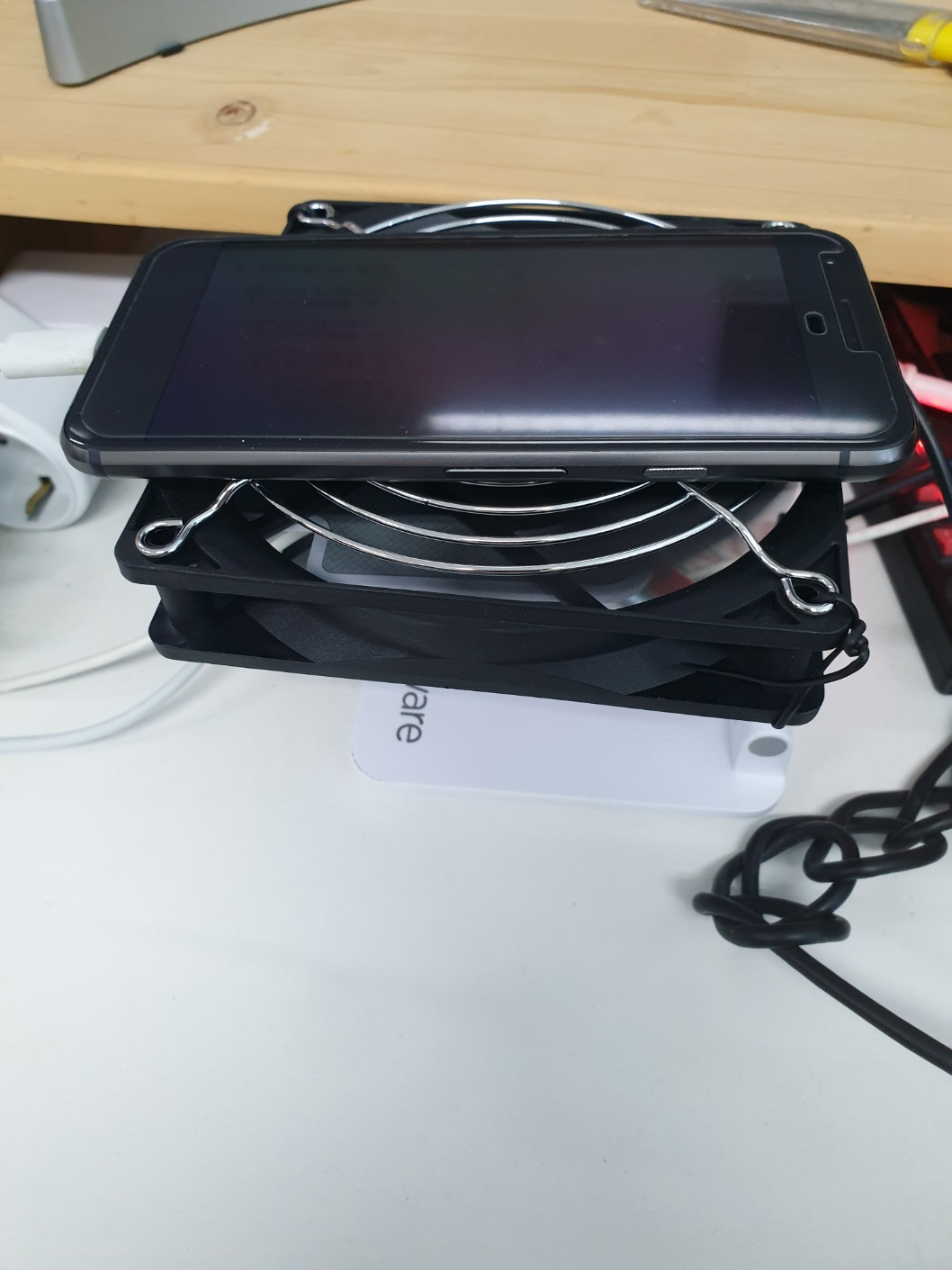
국내 주문이었으면 반품 후 새로 주문하기라도 했겠지만 해외배송 왔다갔다도 너무 귀찮았고 작고 귀여운 맛에 그냥 쓰기로 했다.
내장 Storage가 128MB 였기 때문에 리눅스 패키지 몇 개 깔면 용량이 꽉 차서
Micro SD를 찾아서 꽂은 다음 패키지 설치 기본 영역인 /overlay에 마운트되어 있는 기본 Storage를 umount후 SD 카드를 ext4로 포맷하여 /overlay에 마운트해서 /overlay를 넓게 쓰는 작업을 우선 해주는데 이걸 Extroot라고 부르는 것 같다.
Root Cause:Upgraded IOS on all 3750x Cisco Switch Stacks because of known bug to cause intermittent switch reboots.
1. Upgraded to IOS Version 15.2(1)E1
2. IOS 15.2(1)E1 Introduced new code into the switch configuration
-IP DEVICE TRACKING
IP DEVICE TRACKING: Windows Vista/2008/7 client probes for a tentative IP address at the same time the switch is probing for device status. This is usually triggered by rebooting which results in a duplicate ip address. To prevent the duplicate ip address on the network the windows system assigns an apipa address to the client adapter. (ie. 169.254.*.*)
Workaround:Disable gratuitous ARP on the Windows device. [HKEY_LOCAL_MACHINE\SYSTEM\CurrentControlSet\Services\Tcpip\Parameters] Set ArpRetryCount (32-bit DWORD) to 0
Solution:Configure the switch in order to send a non-RFC compliant ARP Probe to source the probe from the Switch Virtual Interface (SVI) in the VLAN where the PC resides.
ip device tracking probe use-svi
This configuration currently does not trigger the duplicate address detection error message in Microsoft Windows. The caveat to this method is that an SVI must exist on every switch in every VLAN where Microsoft Windows clients who run DHCP reside. This method is difficult to scale, so Cisco recommends that you use the IP device-tracking probe delay as the primary method. SVI is not currently available on the 6500 Series Switch platform. This command was implemented in Version 12.2(55)SE on 2900, 3500, and 3700 Series Switch platforms, and in Version 15.1(1)SG on the 4500 Series Switch platform.
고객사에 새로 설치한 Horizon Connection Server Admin console 로그인 페이지에
도메인이 2개로 보이는 현상 발생.
아마도 AD에서 같은 포레스트 안에 있는 도메인 2개를 모두 당겨온 듯 했다.
Console GUI와 ADSI 편집기를 뒤져봤으나 거기서는 못찾았고..
vdmadmin으로 제외 가능... 한데
이런건 UI로 해줘도 괜찮을텐데 싶은 아쉬움.
Note: You can also set the HKEY_LOCAL_MACHINE\SOFTWARE\VMware, Inc.\VMware VDM\RecursiveDomainEnum registry key that controls recursive domain enumeration to false. This disables recursive domain searching. If you are adding a domain to the Include list, ensure it is not present in Exclude list and Search list. If it is present, please remove it from both Exclude list and Search list.
이 노트를 봐서는 레지스트리 설정으로도 가능할 것 같기는 한데... vdmadmin으로 깔끔하게 끝나서 굳이 레지스트리로는 테스트하지 않았음.
Or you could just copy yourLayoutModification.xmlto C:\Users\Default\AppData\Local\Microsoft\Windows\Shell\LayoutModification.xmlusing the method of your choice. Changes will affect new User Profiles created after making the change.